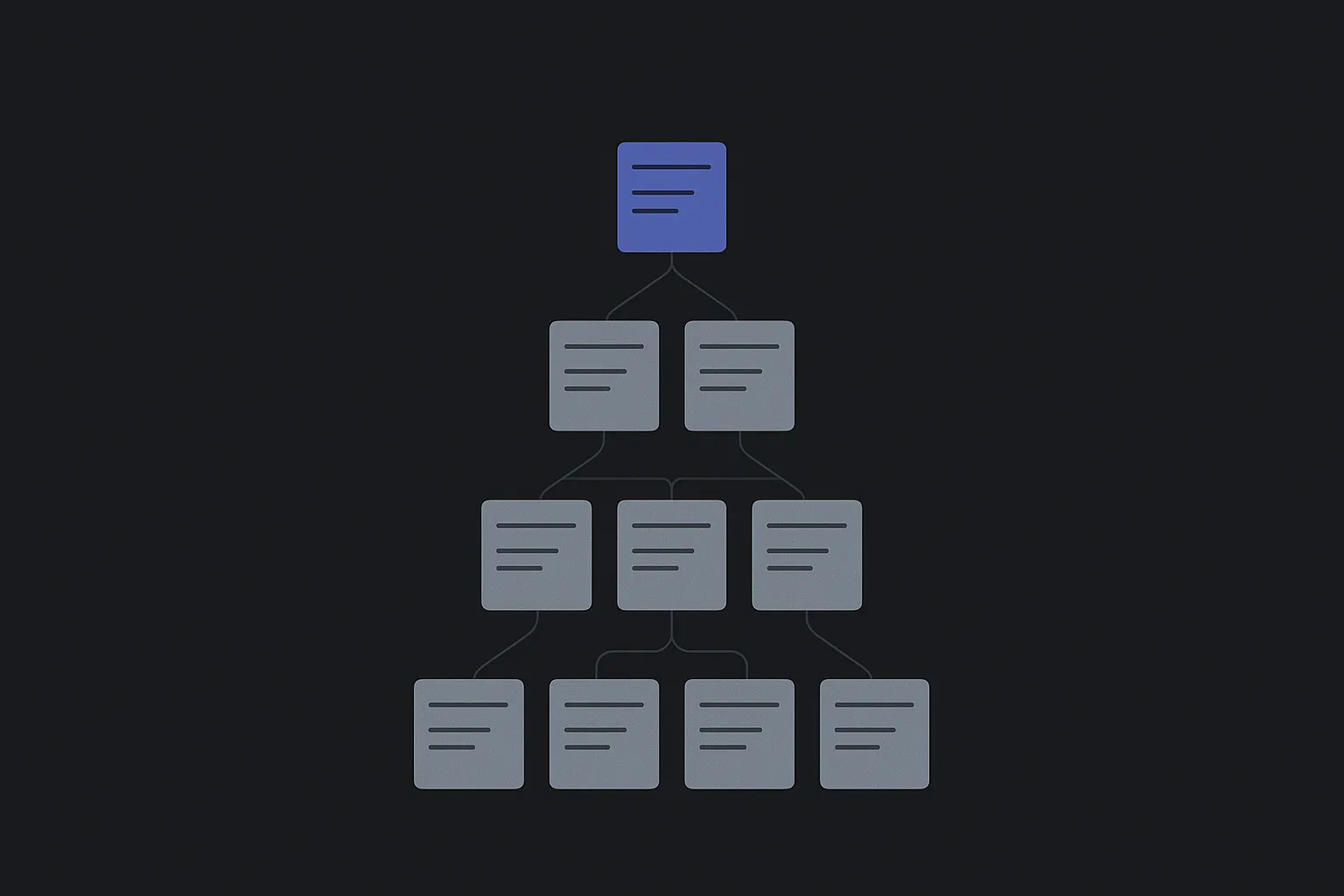
Hilbana as a Ticket and Incident Management System with SLA and Expiration
You receive an email notification: a customer is complaining because their incident has gone unanswered for days. A shiver runs down your spine as you wonder how it slipped through the cracks. With a team handling dozens of support tickets daily, it’s easy for a request to fall through, and the consequences can be disastrous: dissatisfied customers and loss of trust.
The Importance of SLAs in Incident Management
Service Level Agreements (SLAs) are not just a formality. They are commitments you make to your customers on how and when you will respond to their requests. A well-defined SLA helps you prioritize, manage expectations, and, most importantly, keep your focus on what truly matters: the customer.
But what happens when a ticket runs past the agreed time frame without being resolved? If the deadline only lives in a document, nothing happens: nobody notices until the customer calls. That’s why the deadline has to sit on the incident itself, as an expiration date the system can watch.
How Hilbana Addresses Incident Management
Hilbana is designed for both humans and AI agents to work efficiently on a single structured source of truth. This includes managing support tickets with SLAs and expiration dates. Hilbana allows you to clearly set deadlines and priorities, ensuring that each incident is handled promptly and within agreed limits.
Advantages of Using Hilbana for Your SLAs
- Centralized Information: Hilbana centralizes all relevant data for each incident, making tracking and reporting easier.
- Automated Alerts: You can set up automatic alerts so that if a ticket is nearing its expiration date, the responsible team is notified.
- Transparency and Traceability: Every step is recorded, allowing you to audit how each incident was managed and optimize future processes.
Implementation and Monitoring
Before setting anything up, answer two questions: what counts as an acceptable response? How long can a ticket stay open before it’s considered overdue? If those two answers aren’t written down, the SLA can’t be automated, because there’s nothing to measure.
With that settled, the rest is configuration. And the trail each incident leaves is what feeds the next round: if the same kind of ticket expires over and over, the problem isn’t the deadline, it’s the process.
You can set it up today: create your workspace for free, no card required and with 14 days of Pro included — the plan due-date rules start at. The details are in the documentation.